Some screensavers shout. Slideshows, cycling animations, your beach holidays on rotation. Rainy Day is the opposite.
Drops gather on a glass pane and slip down with realistic gravity, refracting the world behind them as they pass. Larger drops absorb the smaller ones in their path and shed trail droplets behind. The whole pane carries a fine mist of tiny droplets that comes and goes.
Eight scenes, fade-through-dim
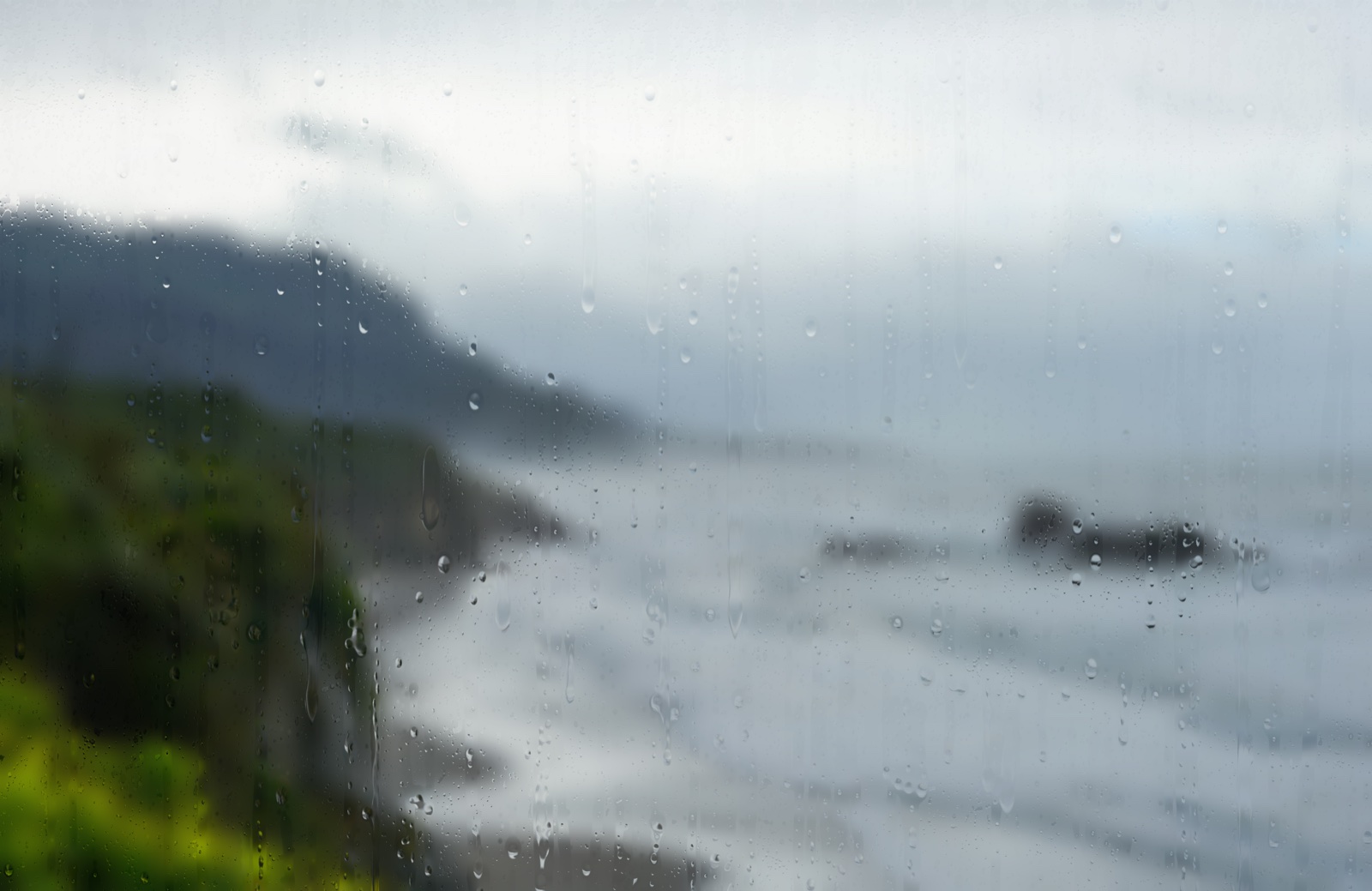
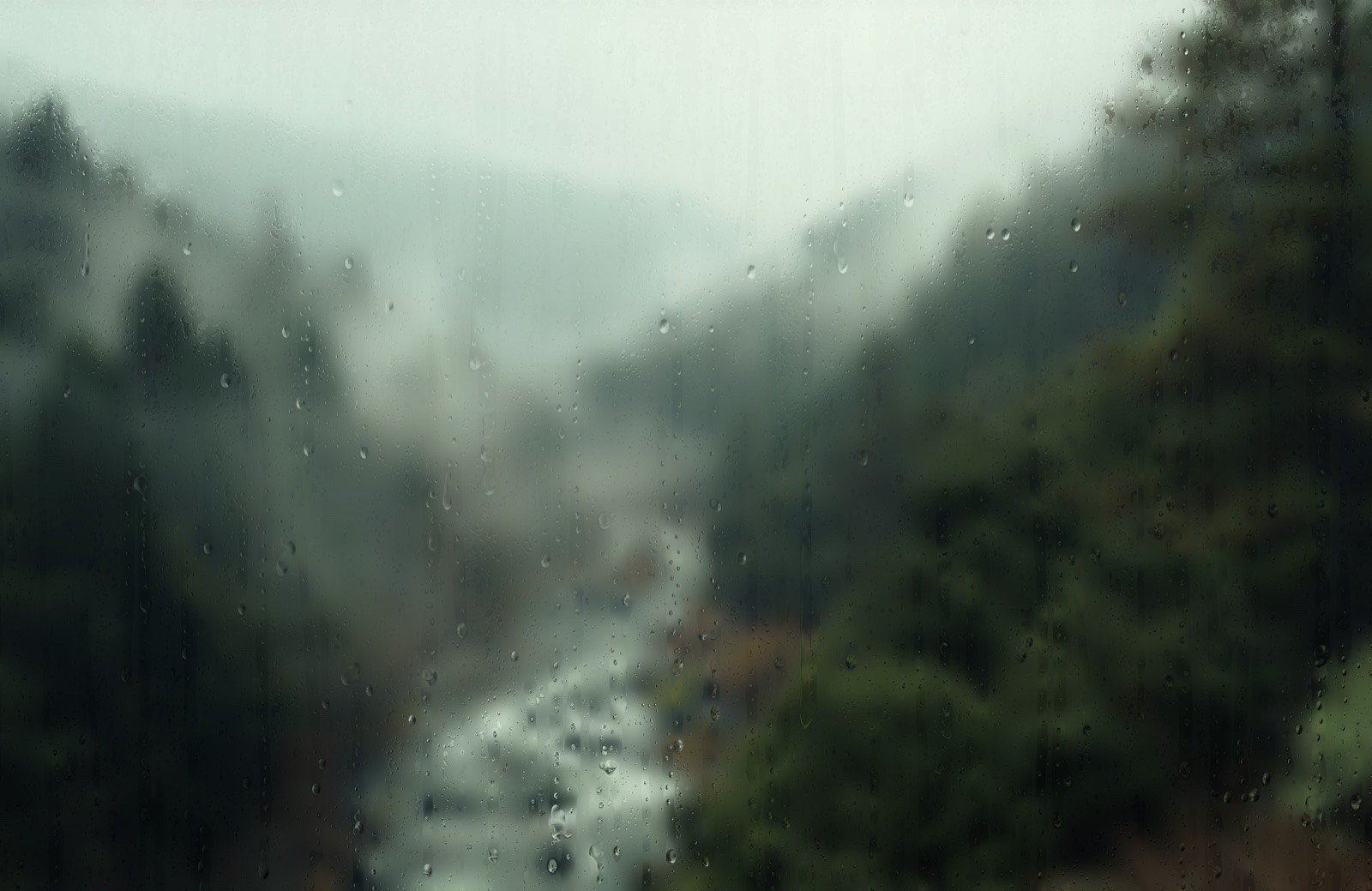
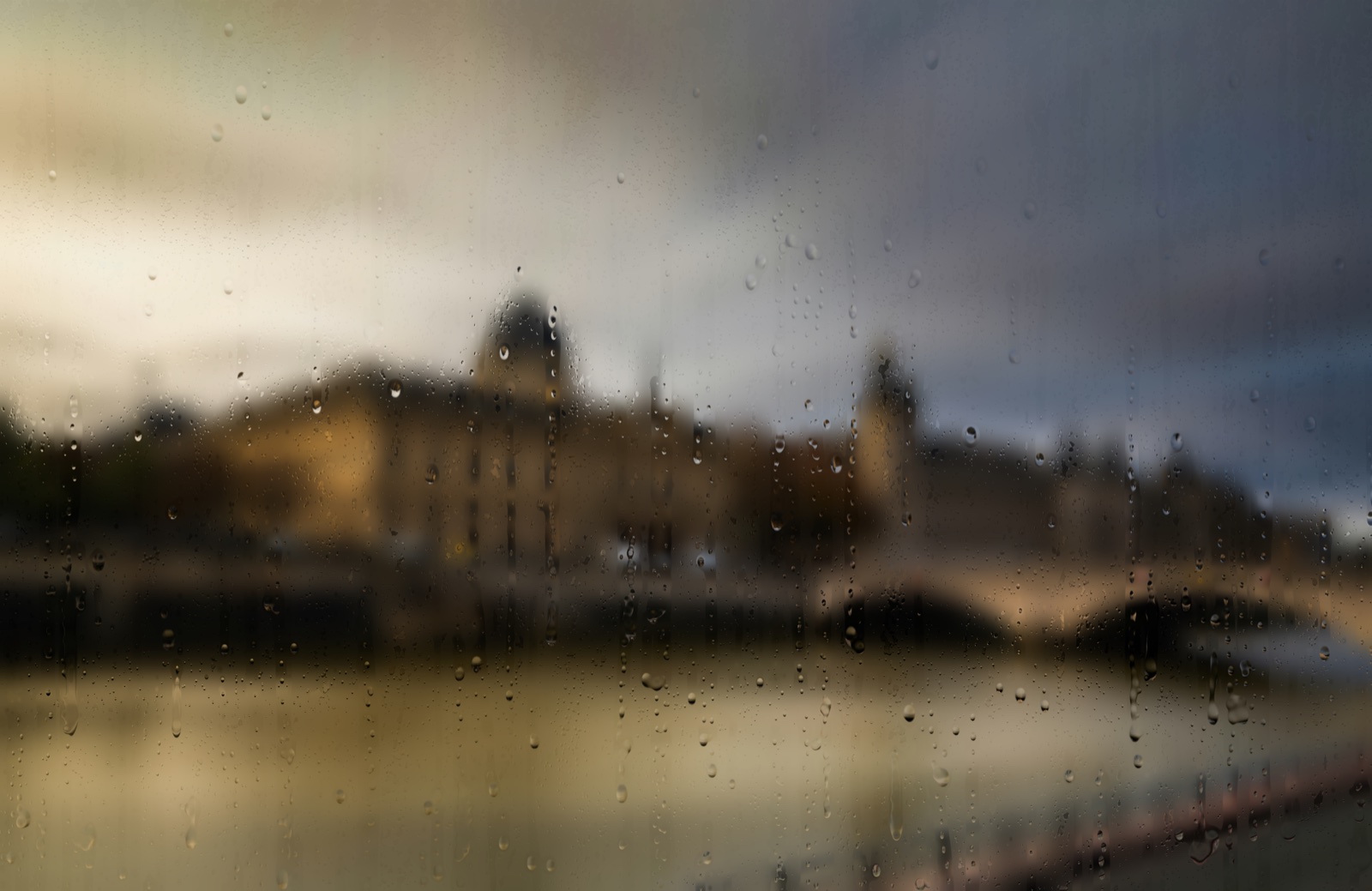
The world behind the rain is a photograph — and Rainy Day rotates through eight of them, one every five minutes (configurable, 1–30 minutes) with a gentle three-second fade-through-dim transition between scenes. The seed set on first launch is a curated mix of city streets and quiet landscapes; you can swap any of them out at any time without rebuilding the app.
Every scene rotation is in lockstep across multiple displays, so a quick glance from one screen to another stays in the same mood. Rain physics is independent per display — mirroring the drops exactly across separate WebGL contexts is hard, and the visual cost of letting them drift is essentially zero.
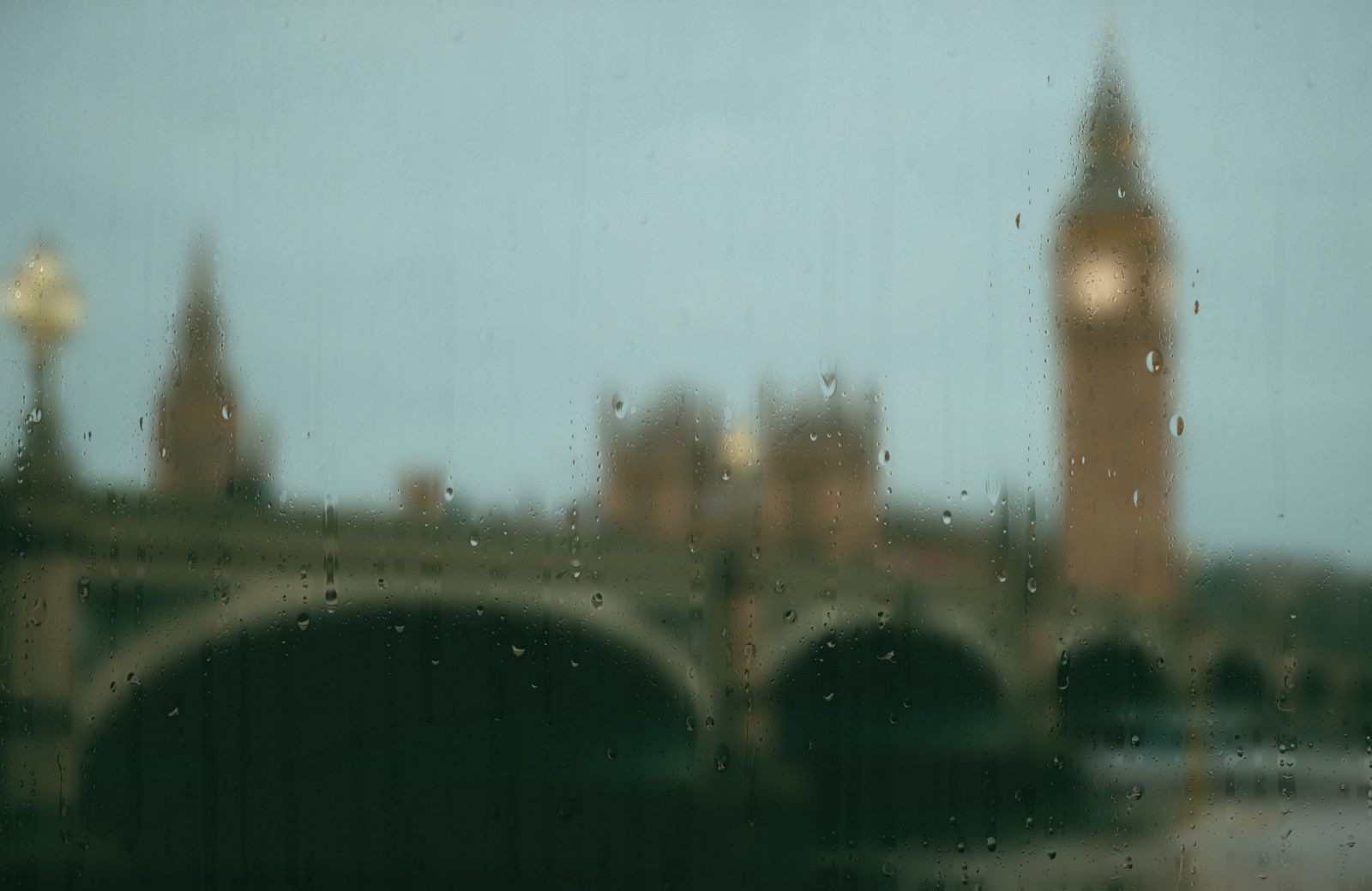
Custom backgrounds
The eight photographs live in ~/Library/Application Support/Rainy Day/Backgrounds/. The folder is yours after first launch — drop in JPG, PNG, HEIC, or WebP files; rename or remove anything you like. The screensaver scans the folder fresh on every activation, so it always reflects what’s on disk.
If the folder is empty, the screensaver shows a centred notice telling you where to drop images instead of failing silently. Settings has an Open Backgrounds Folder button that takes you straight there.
The rain
The rain itself is a WebGL2 effect — raindrop-fx by SardineFish. It does refraction the way real water on glass does it: each drop samples and warps the scene behind it through screen-space normals, with diffuse and specular lighting for depth. Drops slide with gravity, merge on contact, shed trail droplets as they pass, and slowly evaporate. The bundle ships unmodified inside Rainy Day; without raindrop-fx the screensaver wouldn’t exist.
Rainy Day’s contribution is the host: a thin Swift app that renders raindrop-fx fullscreen inside a WKWebView on every connected display, handles activation and dismissal cleanly, and tunes raindrop-fx’s parameters so the drops feel right at screen scale.
Why an app, not a .saver
Rainy Day is a screensaver-style product, but it ships as a regular .app rather than a .saver bundle. The screensaver-bundle path forced a long string of fights with macOS — process suspension, permission churn, multi-instance lifecycle, occlusion edge cases, removed SPIs — none of which add anything for the user. As a regular app it gets out of its own way, and gives full control over the configurator, hotkeys, and lock-screen integration that a saver bundle can’t reach.
It auto-launches at login, hides itself in the background as a small cloud-with-rain menu-bar icon, and brings up the fullscreen rain effect on every display when you’ve been idle past your configured threshold. Move the mouse or press any key to dismiss.
Settings
Click the menu-bar icon and choose Settings…:
- Activation — idle timeout in minutes, plus a global Activate Now hotkey if you’d rather summon the rain on demand.
- On dismiss › Lock screen when dismissed — off by default. With it on, the screensaver fades straight into the lock screen rather than back to the desktop.
- Capture — a global hotkey that snaps the current rain frame to
~/Pictures/Rainy Day/. Saves the moment that caught your eye without breaking the screensaver. - Backgrounds — scene cycle interval (1–30 minutes), and an Open Backgrounds Folder button.
- Wallpaper › Use as animated desktop wallpaper — renders the rain at the desktop layer, behind app windows and desktop icons, click-through. It’s independent of the screensaver-on-idle behaviour; both can be on at the same time. Note: as an animated wallpaper, the effect renders continuously while your Mac is awake — on Apple Silicon this is GPU-cheap but not free, so on a portable expect a small hit to battery life versus a static wallpaper.
- Show icon in menu bar — hide the cloud-with-rain status icon while Rainy Day keeps running; the rain and screensaver behaviour is unaffected. Your choice persists across launches, including login auto-start. Shown only on macOS 14–15; on macOS 26 (Tahoe) and later, use System Settings → Menu Bar, which provides this natively.
- General › Launch at Login — on by default after first install. Disable here or in System Settings › Login Items if you’d rather start it manually.
All settings persist immediately. There’s no Save or OK button.
If you’ve hidden the status icon and want it back, just re-open Rainy Day from your Applications folder — it reappears immediately.
Auto-updates are handled by Sparkle. New versions check daily in the background and are EdDSA-signed, so your copy will only install genuine Jorvik Software releases. Use the menu’s Check for Updates… item to check on demand.
Privacy
- No permissions. Rainy Day asks macOS for nothing — not Accessibility, not Screen Recording, not files. The screen lock is an IPC call into
loginwindowand the hotkeys are registered with Carbon; neither needs anything granted. Checked by revoking Accessibility and watching the lock still work. - No telemetry. Nothing is reported, and no log file exists unless you explicitly turn one on with
defaults write cc.jorviksoftware.RainyDay debugLogging -bool YES. The only network request Rainy Day makes is Sparkle’s daily appcast fetch.
Installation
Two formats on every release — both signed and notarised, pick whichever suits:
- Installer (
.pkg) — recommended for first-time installs. Double-click to run; macOS Installer placesRainy Day.appin/Applications/without quarantine or App Translocation. - Download (
.zip) — unzip and dragRainy Day.appto your/Applications/folder.
Or install it with Homebrew: brew install --cask perpetualbeta/jorvik/rainy-day
Either way, the first launch happens immediately. After that, look for the cloud-with-rain icon in your menu bar — that’s your touchpoint with the app. Rainy Day registers itself for launch at login on first run; toggle that off in Settings › General if you’d rather start it manually.
To uninstall: pkill -f "Rainy Day" in Terminal, then drag Rainy Day.app from /Applications/ to the Trash.
Requirements
macOS 14 (Sonoma) or later. Universal binary (Apple Silicon and Intel).
Building from source
Rainy Day builds via the shared Jorvik release.mk. With the jorvik-release sibling repo cloned alongside it and GNU Make 4 installed:
- Clone the repo:
git clone https://github.com/PerpetualBeta/RainyDay.git - For a local install signed with the Jorvik Developer ID:
gmake dev-build - To run the freshly-built copy:
gmake run - For a signed, notarised, stapled
.pkgready to ship:gmake release
Credits
Rainy Day embeds raindrop-fx by SardineFish (MIT). The vendored bundle is raindrop-fx.bundle.js, unmodified from upstream. Every drop, every trail, every refraction is raindrop-fx’s work — the Jorvik side is just the host.
The eight bundled background photographs come from Unsplash photographers under the Unsplash License — free for personal and commercial use, no attribution required, but credit is given anyway.
- Coast — by Phill Brown
- Eiffel Tower — by Jacob Diehl
- Forest — by Pine Watt
- Seine — by Felix
- Westminster — by Luke Thornton
- New York — by Anthony Delanoix
- Paris street — by Caleb Maxwell
- St Paul’s — by Vadim Sherbakov
Full licence text in ATTRIBUTIONS.md.